ONLYOFFICE Mobile: Documents
Do you want to: Report a bug
Device: Android and Iphone
App version: 9.0.2
Mode: Connect to Cloud
Additional information:
I have tested the collaboration feature on different files like word and excel files. The files are located on Docspace. On the Desktop app on a Mac this works correctly. When connected with two different accounts on the same file I can see that two users are connected and can collaborate on the same file at the same time.
Trying to do the same with the mobile app, is it on android or iphone, collaboration on the same file does not work. The files open as separate files and no collaboration possible. This is only with the mobile app.
To resume:
Collaboration on desktop app on same file → OK
Collaboration on desktop app and other user on online desktop → OK
Collaboration on mobile app with other user on desktop or online desktop → NOK
Collaboration on mobile app with other user on mobile app on same file → NOK
Got the update this morning. For the moment could just update on my android phone.
The collaboration seems to work now. Thanks.
Just some thinks i remarked:
One user connected on android phone, the other one on Docspace.
On Docspace you see the position of the other user, is it in a Word document or Excel file
On the smartphone app you do not see the position of the other user, is it in the Word document or in the Excel file. In the Word document you see the other typing text, but not showing who is typing.
On the smartphone when i am in the Excel file and type something in a field, the text is white. After hitting “enter” it gets black.
Have to try on Iphone, but in general it is working now.
Thanks a lot for testing and sharing the results!
If you notice any issues with collaboration, could you please also demonstrate the differences between iOS and Android (if possible)? This would help us investigate further.
I’d also kindly ask you to create a new topic for this so that we can keep the discussions separate and easier to track.
Still testing around with the android app and Docspace.
Now I am again in the position where the collaboration does not work and I don’t really have an explanation for it.
What do I have set up, and how it was before updating the app:
On Docspace, with the main admin user I have created a collaboration room. There are some docx and xlsx files in it.
I have invited a guest user to have access to collaborate on that room. He has the status as “content creator”.
He accepted and logged in to his Docspace and he sees and has access to the room.
After updating the app to 9.0.4, the collaboration worked normally.
Now after trying a bit around, closing files on docspace, closing files on phone, opening etc. the collaboration stopped working. I reinstalled the app, new connection, not working.
→ While typing here i was trying again, and now the collaboration works on docx files but not on xlsx files. It’s working on some files and not on other files in the room. Strange. And it’s only on the phone app.
Thanks again for actively helping us improve!
You’re welcome
Unfortunately, there are many topics on the forum, and I might not catch everything in time.
Please use @Nikolas in your replies to send me a notification, so I don’t miss your message among dozens of others.
Thank you for the detailed update on the collaboration issue. We’re sorry to hear the collaboration is inconsistent, working on some docx files but not on xlsx files.
Could you please share a short video demonstrating the issue, comparing the behavior between docx and xlsx files on the mobile app? This would be incredibly helpful for our team to investigate further.
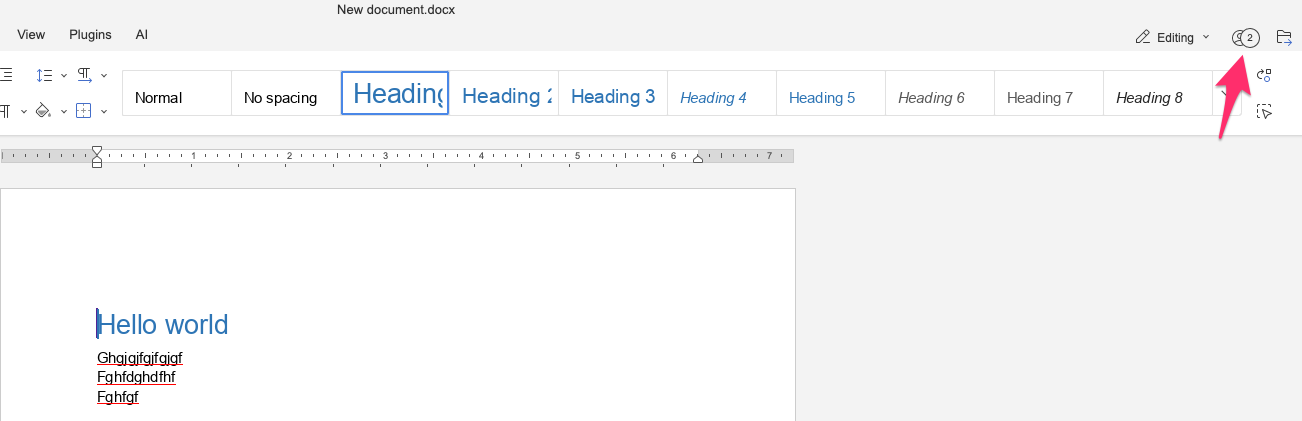
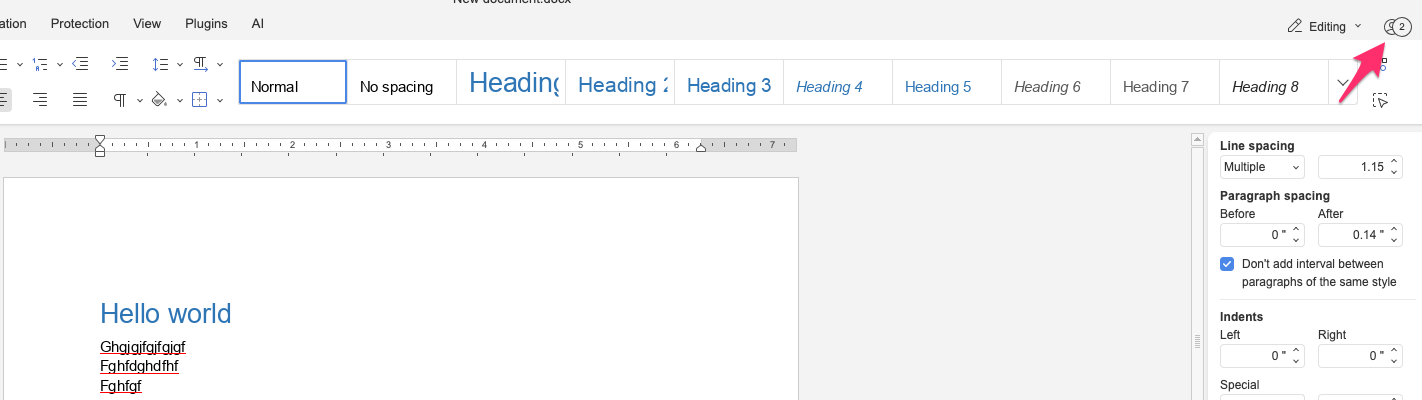
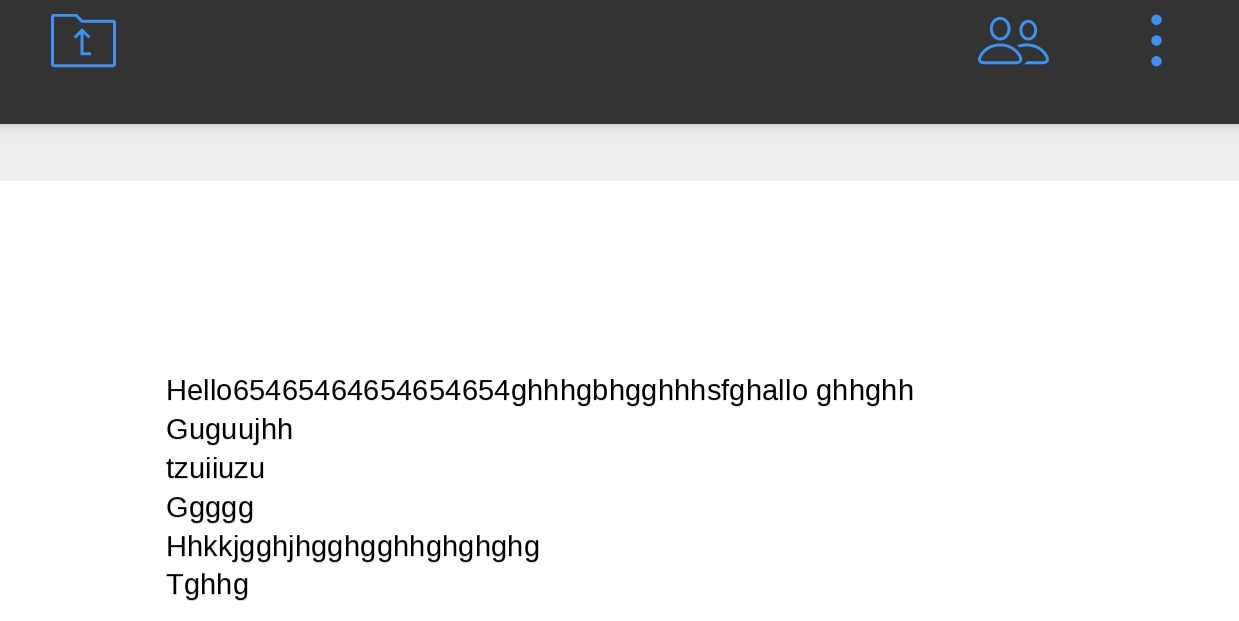
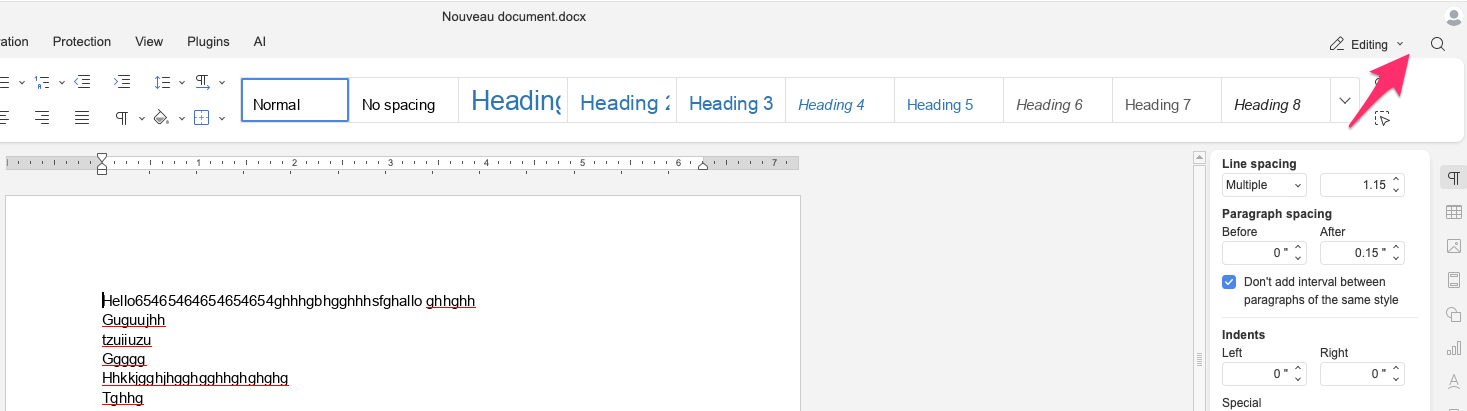
Here some Screenshots.
So again, collaboration works between Desktop app and /or Docspace Cloud app, but does not work between Desktop/Docspace Cloud app and Smartphone app.
For the first one I opened the same document in the Desktop app with User1, and on Docspace Cloud app with User2. You can see that the two users can work on the same document
To come to the thing that is weird, I opened the first file with android phone and Docspace cloud, the collaboration works… In fact I don’t know what is going on. But I had it also not working.
I am not able to give you further information, you have to test it on your side if it works or not.
Sorry for the delayed response — thanks for your patience and for sharing those screenshots! They’re helpful.
We’ve taken your case with the inconsistent collaboration issue on the mobile app (Android/iPhone, v9.0.4) for further investigation. I’ll keep you posted as soon as we have any updates.
We’re aiming to address this with the upcoming release of ONLYOFFICE Docs 9.1(No guarantees, but we’re on it!), which is roughly planned for mid-October, maybe edging toward November.