Changing column width alters row height

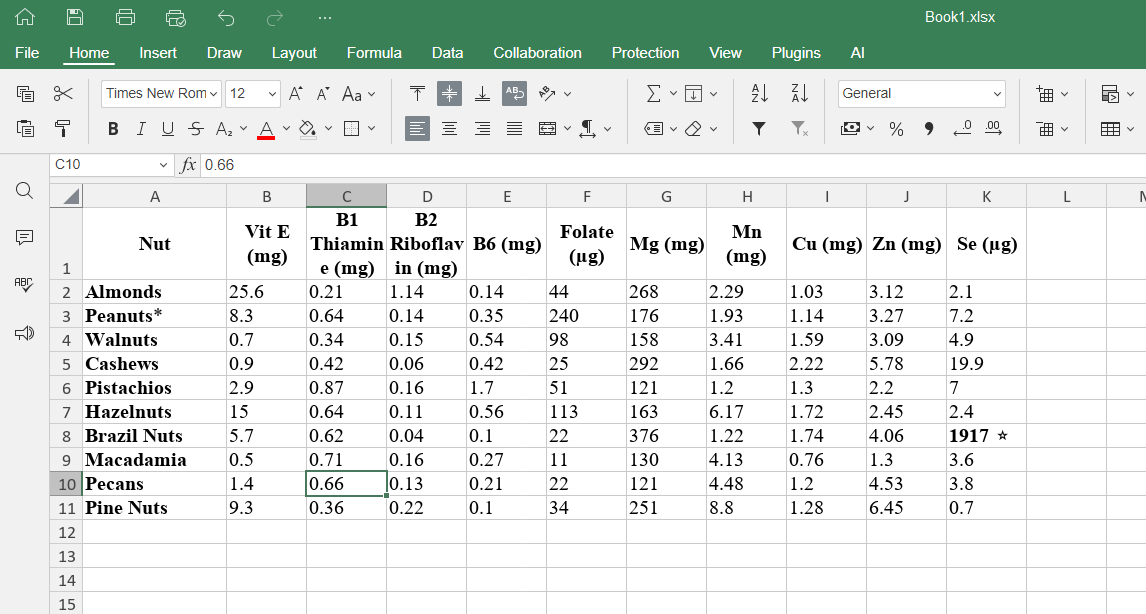
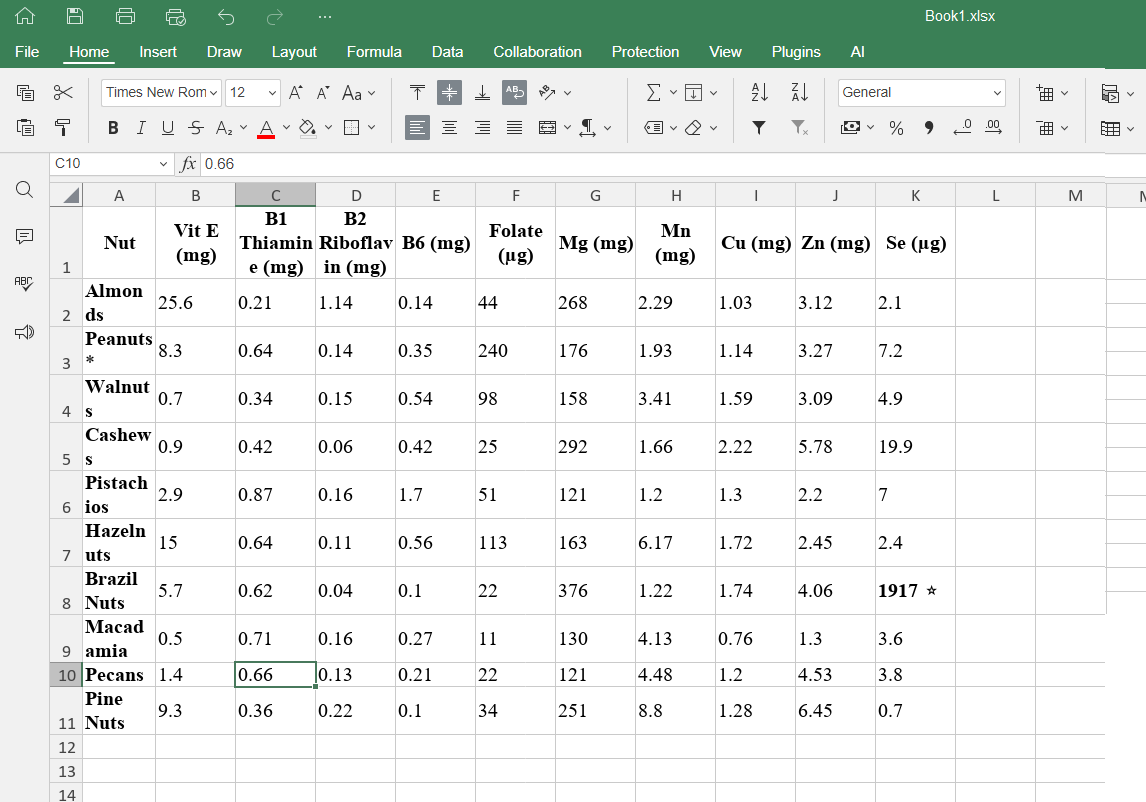
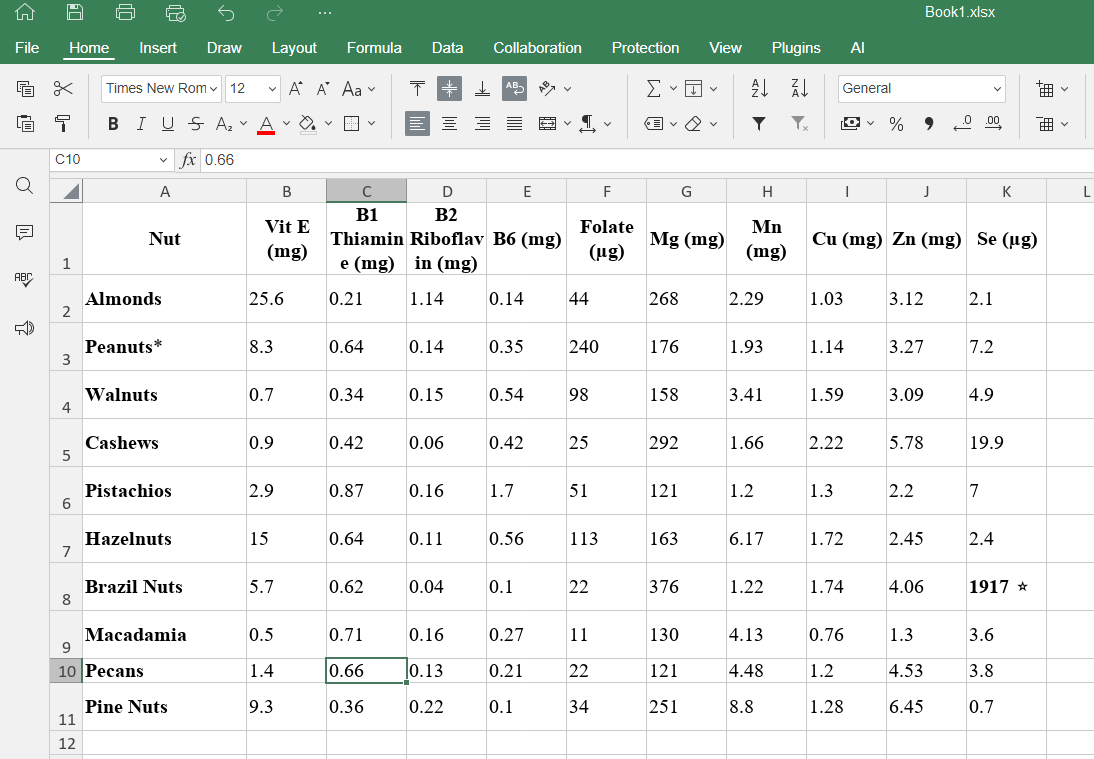
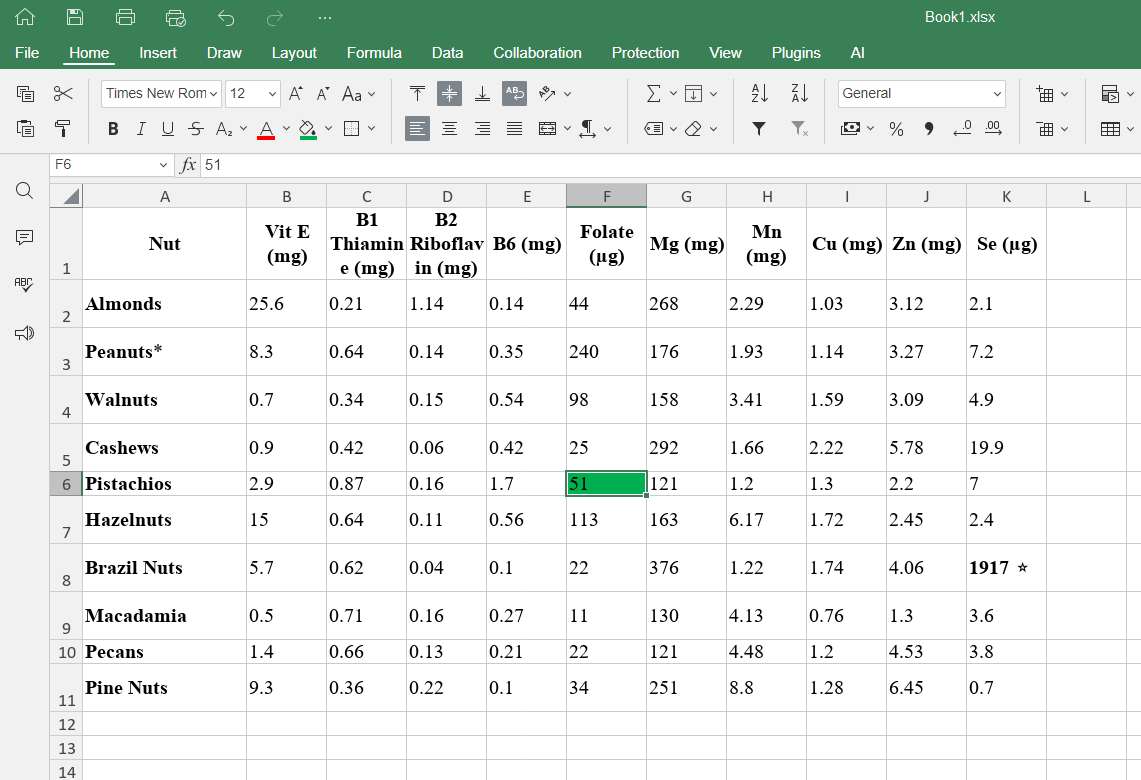
If i have a table of data then reduce the column width to smaller than the text then the height of the rows increase. If i then make the column wider it retains the excessively large height. If i then fill the background colour of the cell it then reduces the height of that row.

The row heights should automatically reduce back to their original small height once the column width is made wider.

Hello @spaceship9876,
Please specify the following:

  1. Version of ONLYOFFICE Document Server (or Desktop Editors if you are using these).
  2. A screen record with how you reproduce the issue.
  3. A sample file you use to reproduce the issue.

onlyoffice v9.1.0.167. I have attached the .xlsx file nuts.xlsx (9.5 KB)

The screen recording video is 27mb which i think is too large to attach so i uploaded it here: Download Recording 2025 095840 mp4

Thank you for providing the info and file. We are looking into the issue and I will get back to you later.

Hello @spaceship9876,
The behavior in our editor is the same as in MS Excel in this case. You need to double-click the border between two rows or columns for the height or width to adjust automatically.

changing the background colour is not the same. in excel the cell remains the same height, in onlyoffice it reduces the cell height.

Hello @spaceship9876 ,

Thank you for the additional information about the background color behavior.

We have successfully reproduced the issue you described.
We are currently analyzing this behavior and will update you with our findings.

We have registered this issue as a bug in our internal tracking system. We plan to resolve this in one of the upcoming updates.
Thank you for your report and understanding.