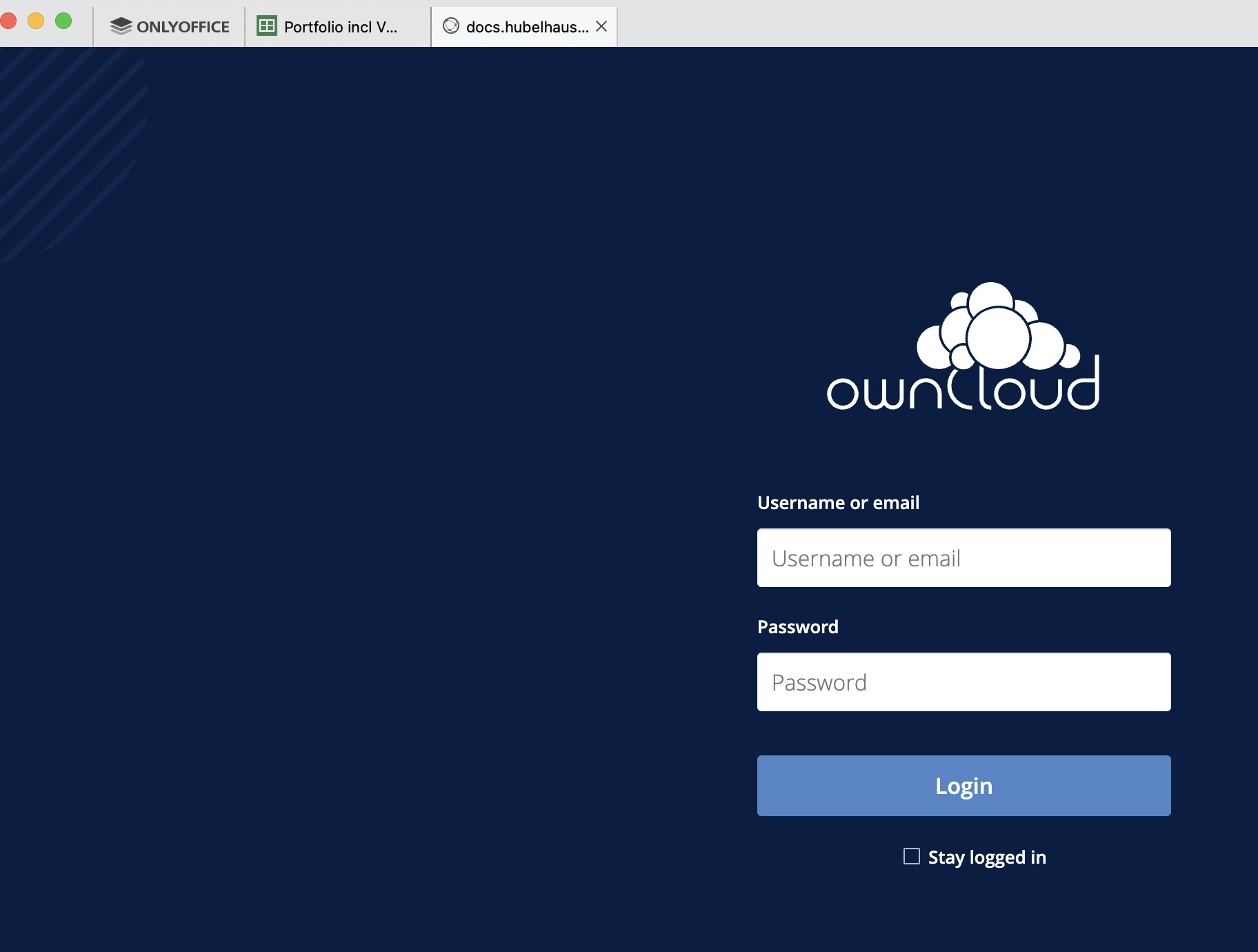
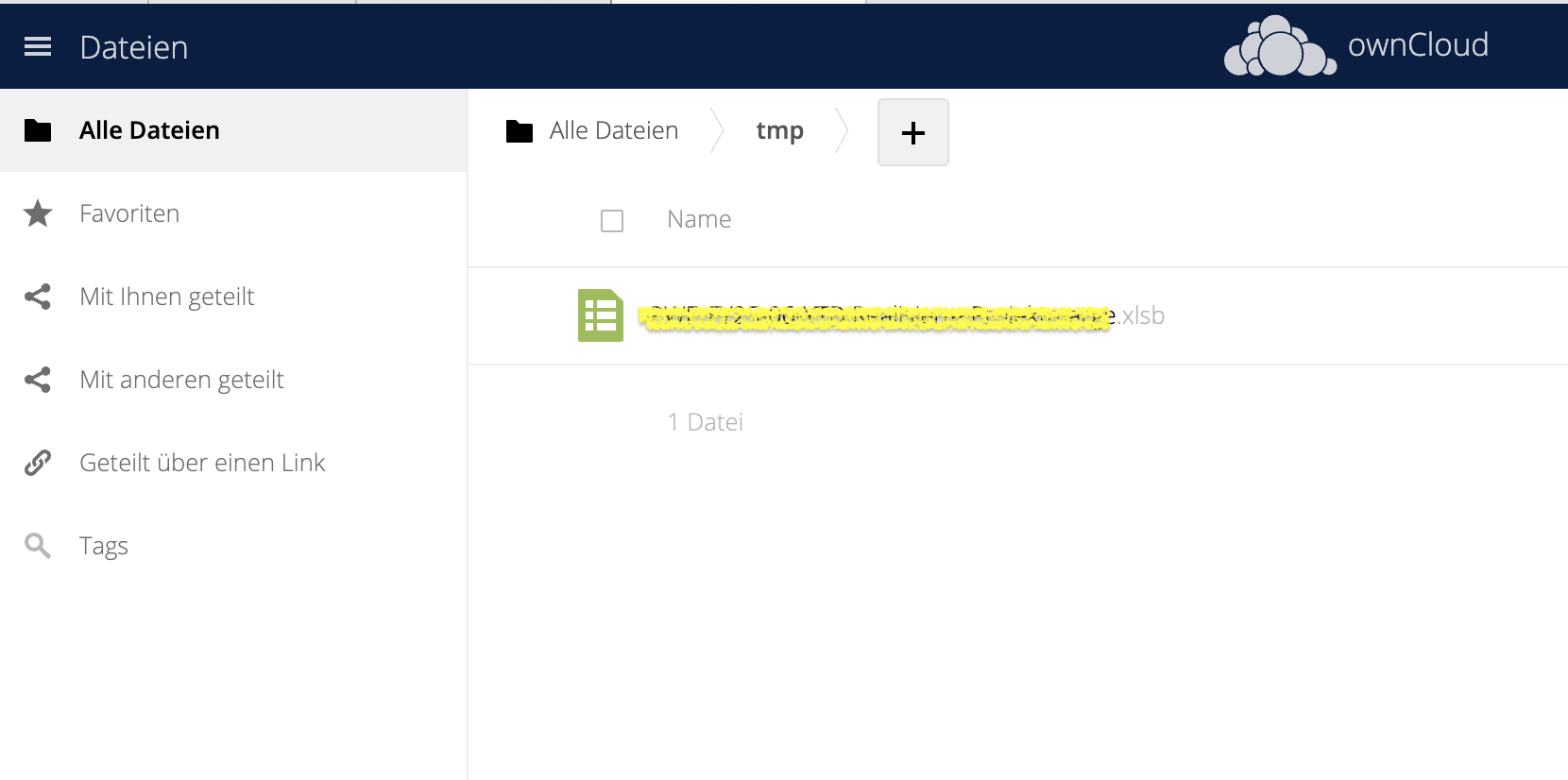
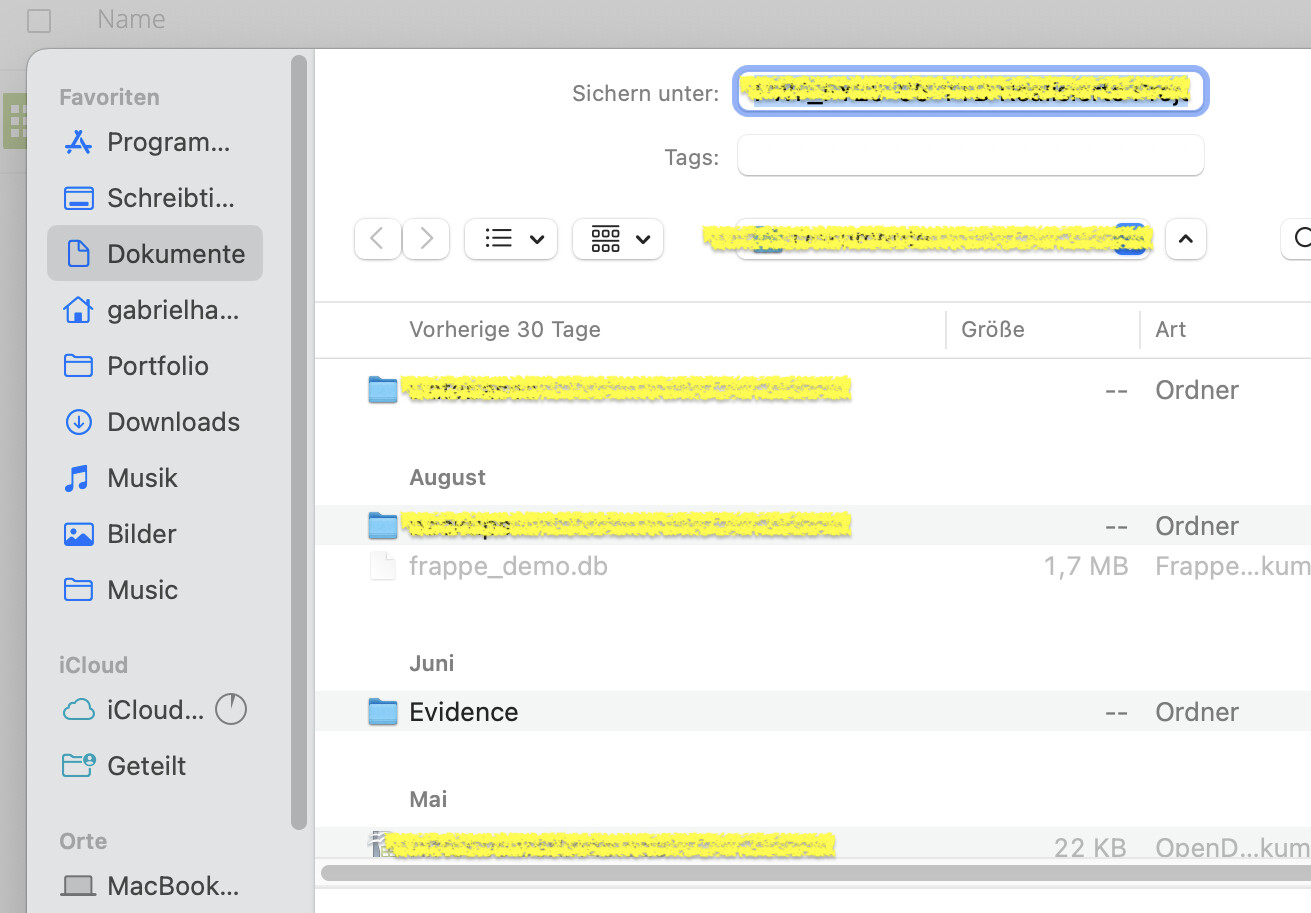
I try to connect to my owncloud server on MacOS with my Desktop editor … on the same owncloud server it is instanly possible with the iOS onlyoffice app!
This is the docs I have read before:
Connecting ONLYOFFICE Desktop Editors to ownCloud
ONLYOFFICE allows you to edit the files stored in your ownCloud account and collaborate on them using both online and desktop editors. Thereby, you can use not only online collaboration tools but also the features available in your desktop application only:
- protecting documents with a password or a digital signature,
- sending the currently edited file right from the editor using the Send plugin,
- inserting audio and video via the Presentation Editor.
It’s supposed that you already have ownCloud server, ONLYOFFICE Docs and the integration app installed and configured.
Launch ONLYOFFICE Desktop Editors. To connect Desktop Editors to your ownCloud server, perform the following actions:
- Switch to the Connect to cloud section on the left side panel.
- Click the ownCloud cloud service button. Alternatively, you can use the Connect now link at the bottom.
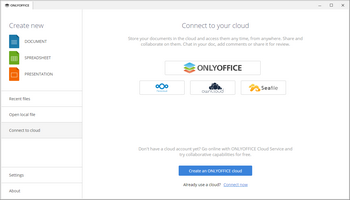
- If you pressed the ownCloud service button, the Connect to cloud office window opens with the ownCloud selected. If you used the Connect now link, choose the ownCloud cloud storage from the drop-down list.
- in the Cloud office URL field, enter your ownCloud server domain name or IP address. When ready, click the Connect nowbutton.
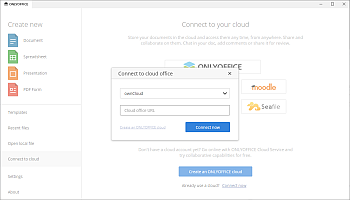
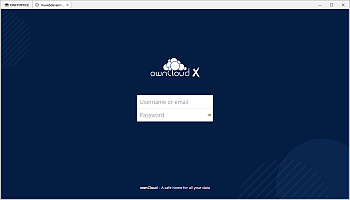
- The ownCloud sign in page will open in a new tab of the Desktop Editors interface.
- Specify your Username or email and the Password you use to access your ownCloud account,
- Click the Log in button.
The Files section of your ownCloud account will open. Now you can edit your existing files and create new ones, share your documents and collaborate on them with ownCloud users using ONLYOFFICE editors.
To learn more about managing your connected accounts, please refer to this instruction.