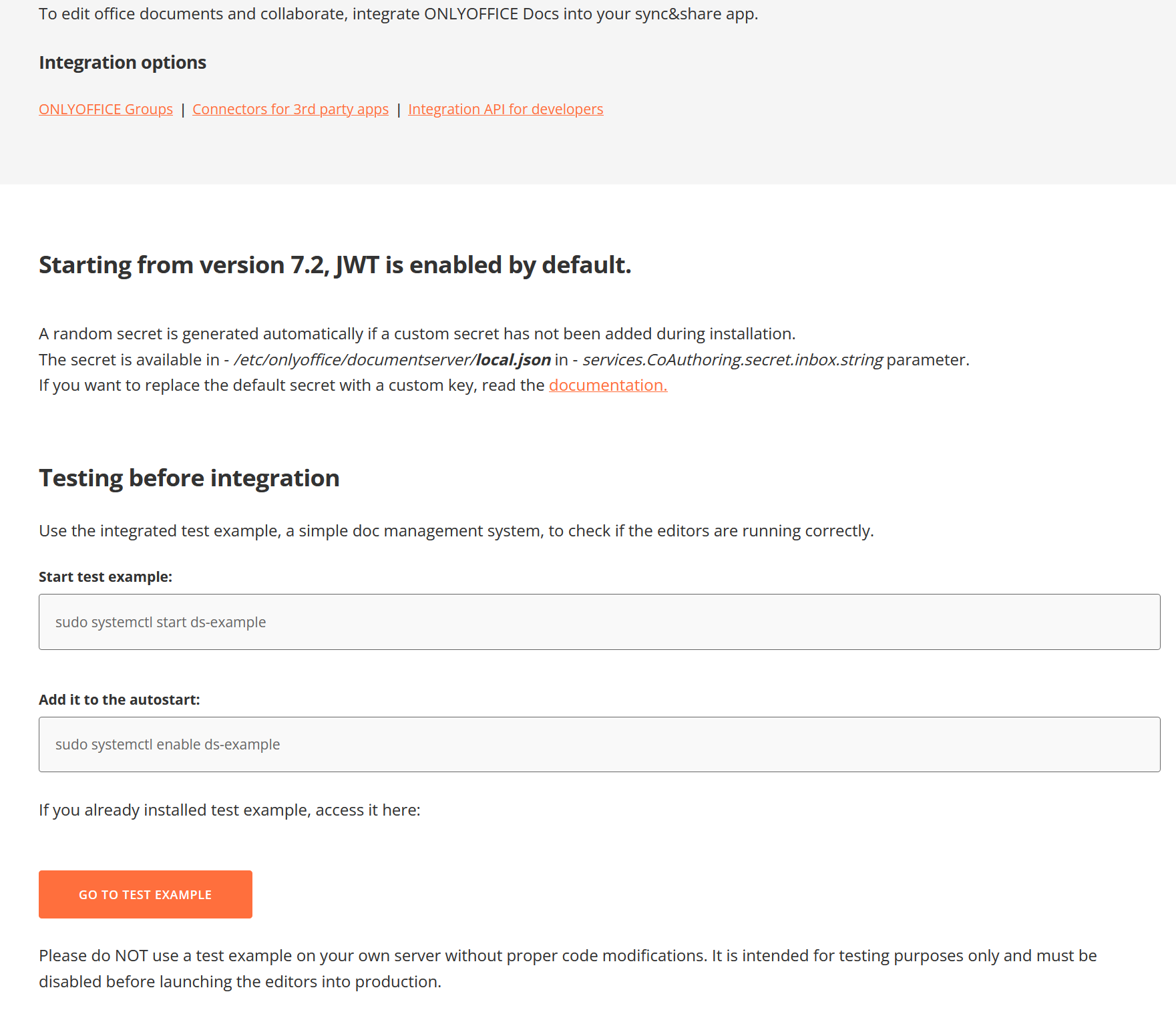
Due to a crash of my host server i had to reinstall OnlyOffice. I am running it as an LXC container on Proxmox version 9.1.1. In the previous installation i could access the admin panel on the mainpage but now there is no information about the adminpanel on the main page in the browser.
What the screenprint above showed, is that i have no ability from the welcome screen to go the adminpanel because there is no information like admin password or a link to bring me to the adminpanel
Even when I tried the IP address of my documentserver followed by a /admin, nothing happened
I get a message that it Cannot GET /admin
I am using OnlyOffice in Nextcloud
I also have a problem when i want to open a document with Onlyoffice in Nextcloud, that it said
There is no plugin available to display this file type
In my previous installation i never had these problems.
Document Server version: 9.3.0
Type of installation of the Document Server (docker, deb/rpm, exe, please point us to the installation guide that you used as well): deb (official guide)
OS: Debian 13
Browser version: Firefox 140
Additional information:
I have an nginx as a proxy to documentserver.
Upon upgrading from 9.2.1 to 9.3, the /usr/lib/systemd/system/ds-adminpanel.service file is gone, as is the /var/www/onlyoffice/documentserver/server/AdminPanel directory.
Has admin panel been removed from docserver? I found no mention of this in the changelog.
Thanks for the details and screenshot — I see exactly what’s going on.
The graphical admin panel (with the welcome setup screen, password entry, monitoring, etc.) is part of the Enterprise and Developer editions only.
In the Community Edition (which is what you’re running), this UI isn’t included — that’s why the main page doesn’t show any admin panel links or options, and /admin returns “Cannot GET /admin”.
We understand it can feel unexpected if you’re used to seeing it in other setups or older installations, and I’m sorry if that caused confusion.
For reference, here’s the blog post where the admin panel was announced (for Enterprise): https://www.onlyoffice.com/blog/2025/10/docs-admin-panel-enterprise
This approach helps us sustainably develop and support both the commercial product and the open-source core.
The Community version is still fully functional for core editing and can be configured manually through the config files inside the container (e.g. /etc/onlyoffice/documentserver/default.json and related files) — everything remains accessible that way.
For the “no plugin available” error in Nextcloud — that’s a separate topic (likely integration or connectivity), so it would be best to discuss it in a dedicated Nextcloud thread. Feel free to create one and link back here if needed.
Let me know if you need help with manual config tweaks or anything else!
I see that you announced the admin panel for the enterprise edition in the blog post. However, this admin panel was available in the community edition throughout 9.1 up until 9.2.1 as far as I know, and it correctly identified itself as “Community Edition”.
Understand that, it being completely and utterly erased in 9.3 without notice in the changelog would be unexpected, confusing and honestly a bit not well handled. If it wasn’t supposed to be there in the first place, there could have been a communication or just not be there in the first place in the community edition.