Operating system: Windows 11 25H2 Home
Processor: Intel core i3 7100U, Intel HD Graphics 620, 16GB ram
Onlyoffice v9.0.4.50
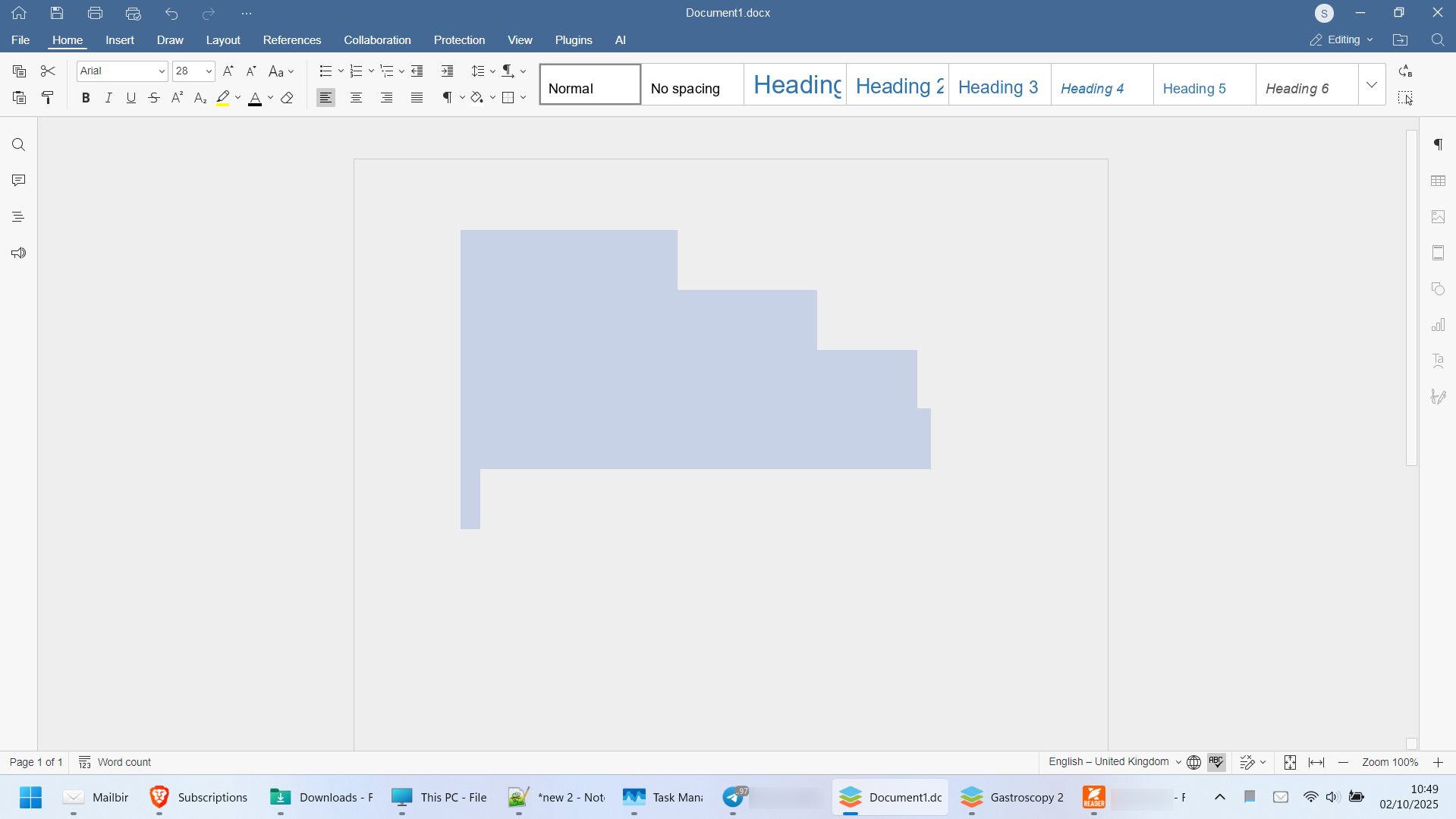
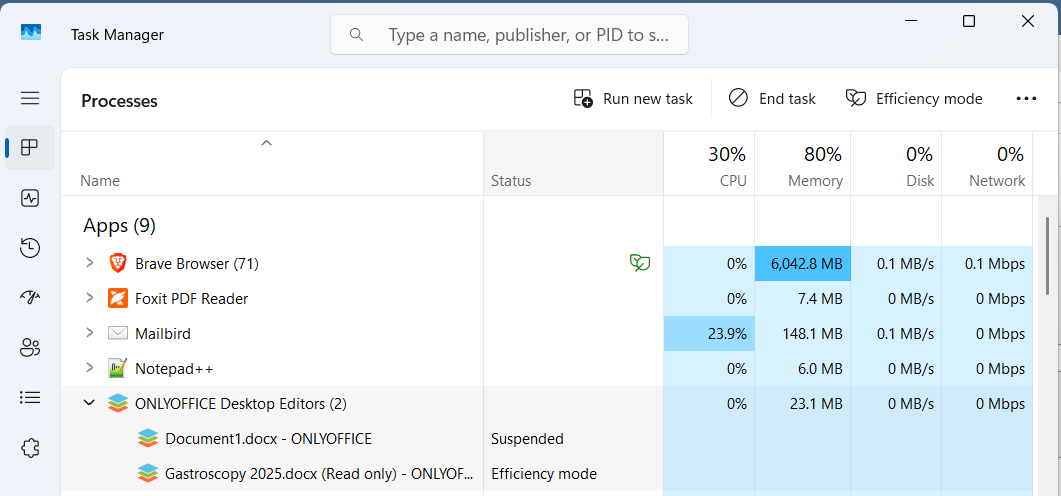
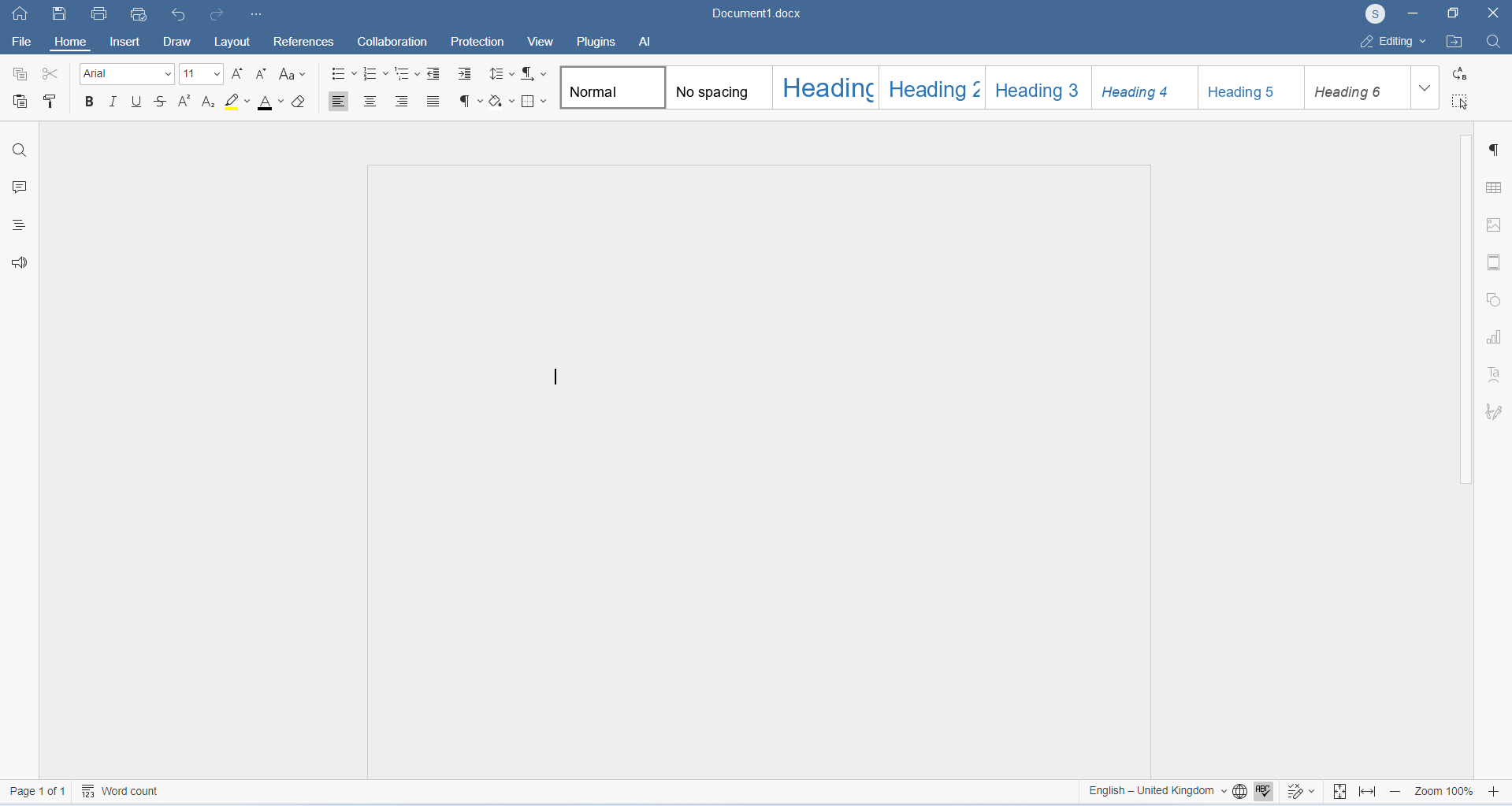
The text in my document and even the white background of the document has disappeared. I created a new document and typed some text then i later opened a .docx file which created a new window and when i went back to the other document 20mins or so later the text and background disappeared. Even when i select text the text doesn’t appear as shown in the screenshot. I can however copy the text with ctrl+c and paste it into notepad.
Please note: I still have both windows open in case you need any other types of logs as i’m not sure whether I would be able to replicate this bug.
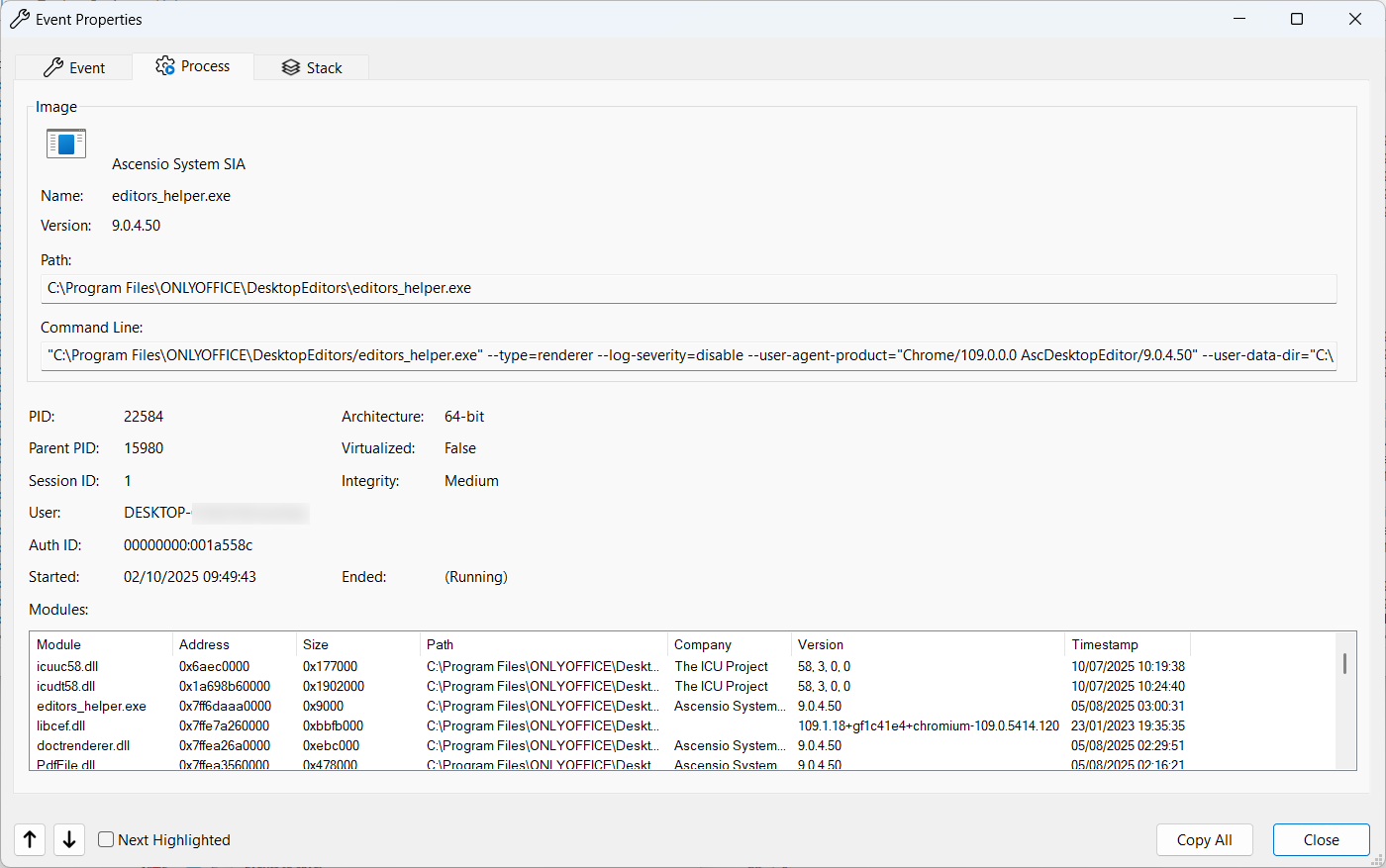
“C:\Program Files\ONLYOFFICE\DesktopEditors/editors_helper.exe” --type=renderer --log-severity=disable --user-agent-product=“Chrome/109.0.0.0 AscDesktopEditor/9.0.4.50” --user-data-dir=“C:\Users\REDCATED\AppData\Local\ONLYOFFICE\DesktopEditors\data\cache” --no-sandbox --force-color-profile=srgb --log-file=C:/Users/REDACTED/AppData/Local/ONLYOFFICE/DesktopEditors/data/cache/log.log --lang=en-US --device-scale-factor=1.25 --num-raster-threads=2 --enable-main-frame-before-activation --renderer-client-id=7 --time-ticks-at-unix-epoch=-1759188042379950 --launch-time-ticks=206940789643 --mojo-platform-channel-handle=3736 --field-trial-handle=1740,i,904902602336896407,13091958404624164199,131072 --disable-features=BackForwardCache,CalculateNativeWinOcclusion,WinUseBrowserSpellChecker /prefetch:1
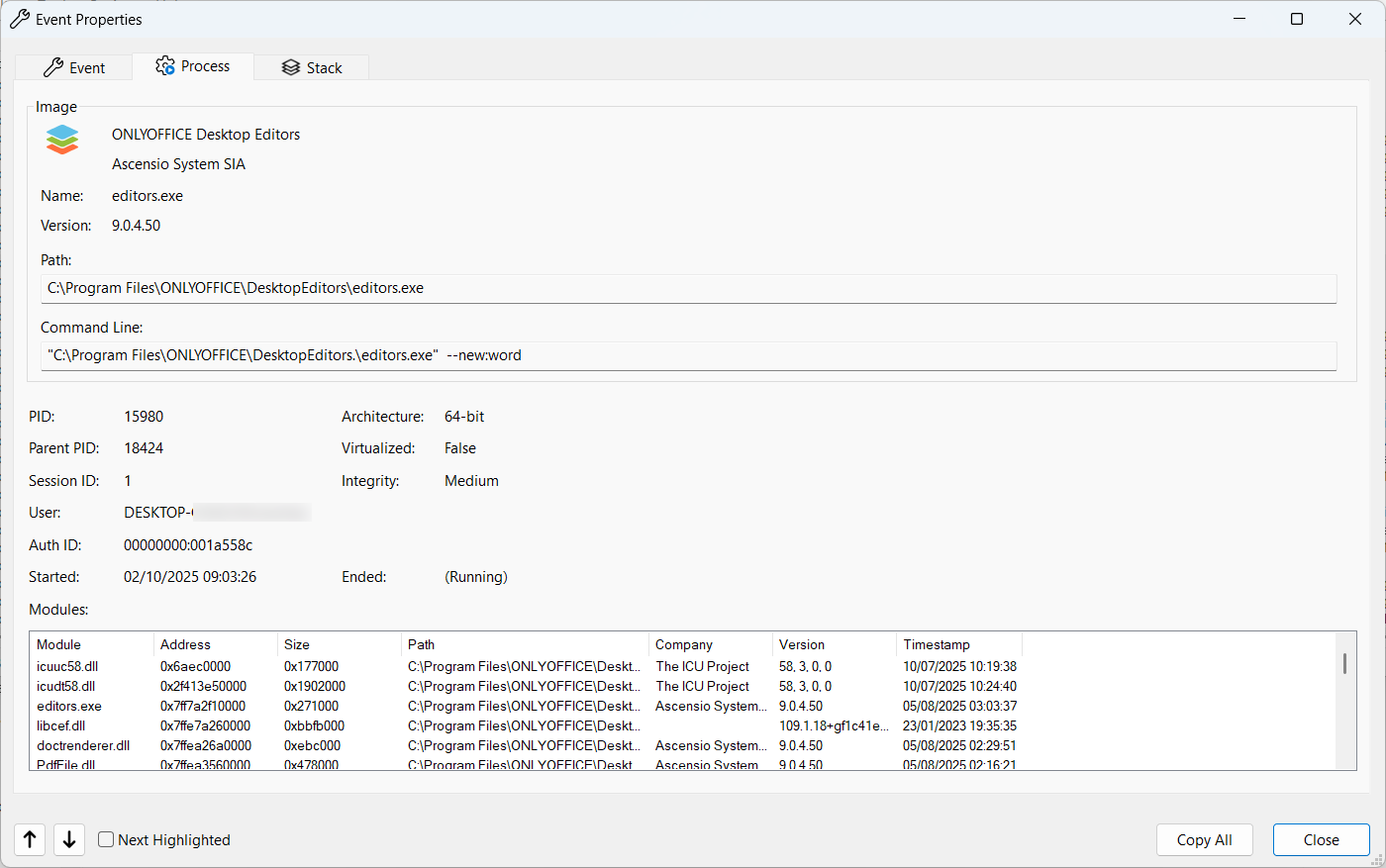
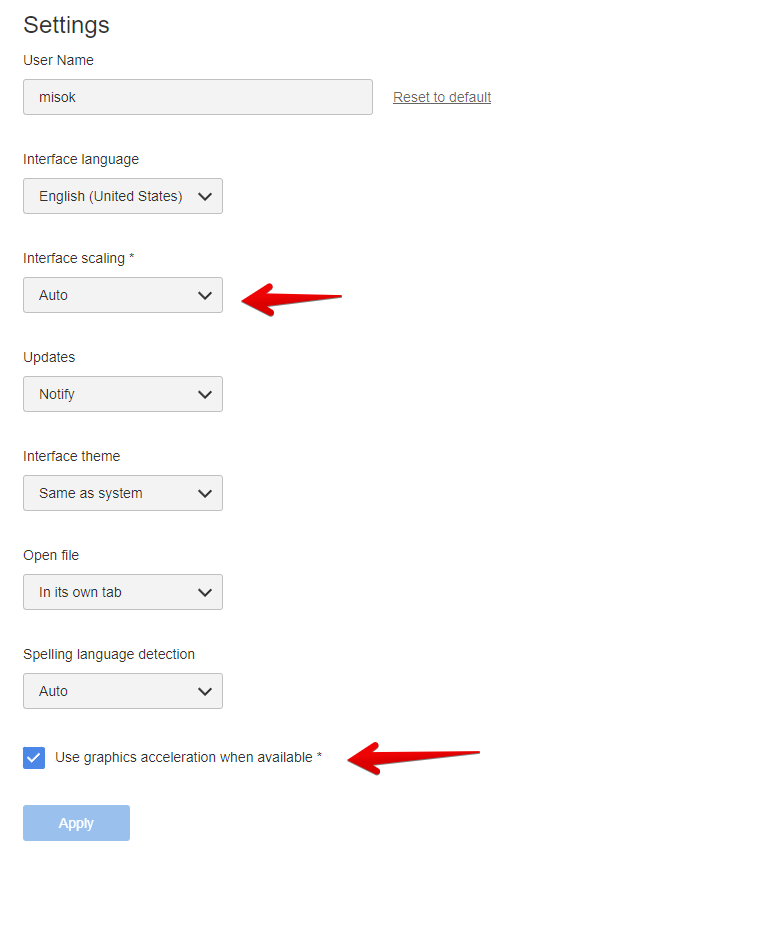
I have attached screenshots and a log of editors_helper.exe
Logfile3.CSV (19.7 KB)
.