then click print
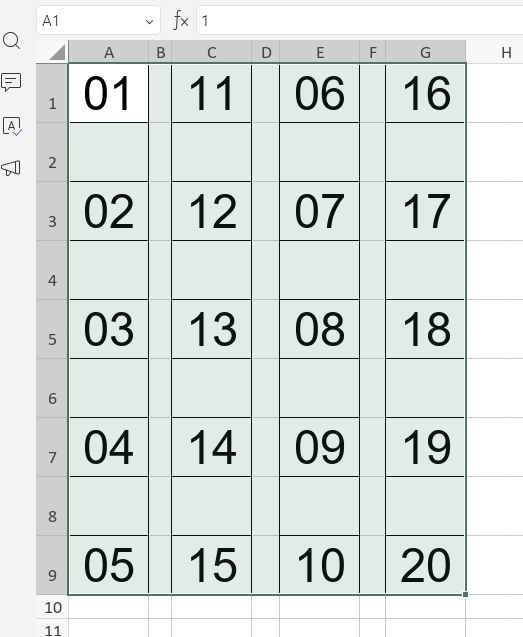
the printed section will appear like this
the bottom border isn’t included… while when we doing it on spreadsheet google or exel, they included.
so now what i can do was add more empty line like this
https:// prnt. sc/7BS8DXQlJChg (i split the link because the forum only allow me to put 2 link and image)
so they can be appear like this
https ://prnt. sc/1qhLhKGyhaac (i split the link because the forum only allow me to put 2 link and image)
i really sure it’s a bug (maybe) so hopefully they can be fixed :>
We have successfully reproduced the issue you described. We are currently analyzing this behavior. We will update you with our findings and a solution as soon as the analysis is complete.
Thank you for your patience!
We have registered this issue as bug in our internal tracking system. However, there is no exact timeline for its release yet.
We plan to resolve this in one of the upcoming updates.
 hopefully this things can be fixed so the life without ms office is better lol