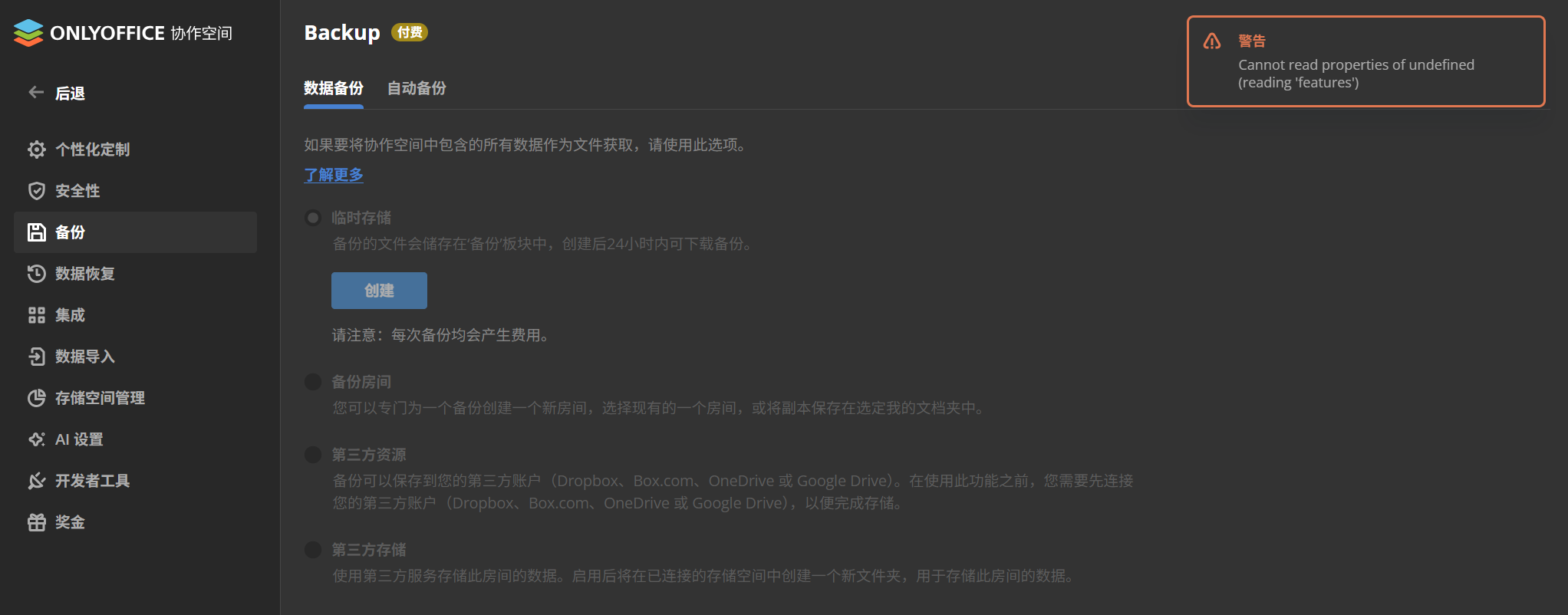
I have a self-host docspace (community version) on Windows Server 2022. For self-host service, there should not have backup restrictions. However, after some updates (the version cloud service need to pay for backups), I can not use the backup like shown in the screenshot.
In particular, I am asking for the database records of the tenants_quota table. For that you will need to connect to MySQL with credentials that you can find in Program Files (x86)\Ascensio System SIA\DocSpace\config\appsettings.community.json config.
The commands are:
mysql -u <username> -p<passoword> / pay attention that there is no space after -p;
use docspace; to connect to DocSpaces’ database, if you gave another name to the default table, check the list of databases with show databases;;
select * from tenants_quota; to print contents of necessary database.
Please attach a screenshot with the contents for analysis.
Hi, Constantine
There is a database named Onlyoffice, without one named docspace. The log I found is attached bellow. Hope you can give me some advices.
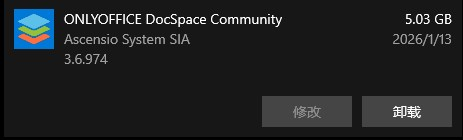
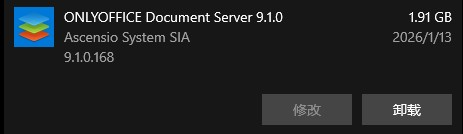
Since you are running Windows installation, can you also provide a screenshot of Control Panel with ONLYOFFICE-related items in installed apps and version of DocSpace?