It appears as though Zotero numbered references that should be superscripted fail to inherit a style that allows superscripting. So if you use Zotero to add a reference according to a reference style that numbers the references as a superscript, the number will not be superscripted and does not attach to a style that allows them to be superscripted. The suggestion is to add this functionality.
Hello @quinn
Please provide a step-by-step scenario on how to reproduce the issue you are describing.
Hi Constantine and quinn,
I ran into the same issue when trying to use a superscript number reference style (e.g. Nature). I inserted a reference into my document and changed the reference style to Nature. In the document itself the reference was changed to a number correctly, but the number was not superscripted as it should be in the Nature reference style (I guess this is probably also the case for other reference styles that use superscripts). Could you please have a look if its possible to implement this into the Zotero plugin?
Hello @dzamrsky
Can you provide a step-by-step actions you perform to achieve the described result? It’d help analyzing the situation to find the solution.
Hi @Constantine,
thanks for your quick reaction. Here are the steps after opening OnlyOffice and starting up the Zotero plugin.
- Type random word - “Example”
- Search for a reference in the Zotero plugin (any reference to a peer reviewed paper just to test it)
- Press Insert citation and the reference appears in the text - “Example (ref et al., 2012)” for example
- I then change the refrence style in the drop down menu at the bottom left of the plugin window to “Nature”. This changes the reference style to a number “Example 1” but it should be a superscript number not just a number as a text in the same line.
Hope this helps!
Thank you very much. I was informed that this behavior is a bug. I have forwarded your query to it.
Sorry for the inconvenience.
1 Like
Thanks a lot!
1 Like
@here, in new update 9.3 of Desktop Editors and version 1.0.7 of Zotero plugin the issue has been fixed.
Title: Zotero Plugin: Superscript formatting (vertical-align=“sup”) is ignored in citations
Description: I am using the Zotero plugin in ONLYOFFICE Desktop Editors on Zorin OS (Linux). I have encountered an issue where citations are not being rendered as superscripts, even when the CSL (Citation Style Language) file explicitly defines them as such.
Steps to Reproduce:
- Open ONLYOFFICE Desktop Editors.
- Use the Zotero plugin to insert a citation.
- Select a citation style that requires superscript numbers (e.g., “American Medical Association” or “Pharmacological Reviews” or “Nature”.
- The citation appears as normal text (e.g., “Text 1”) instead of superscript (e.g., “Text¹”).
Expected Behavior: The plugin should respect the vertical-align="sup" attribute defined in the CSL file and render the citation number as a superscript.
Actual Behavior: The superscript formatting is ignored, and the citation is rendered as standard text, which does not comply with the journal’s submission guidelines.
Environment:
- OS: Zorin OS (Linux)
- Application: ONLYOFFICE Desktop Editors (9.3.1.8 (x64 deb)
- Plugin: Zotero Integration
Hello @fcarneiro
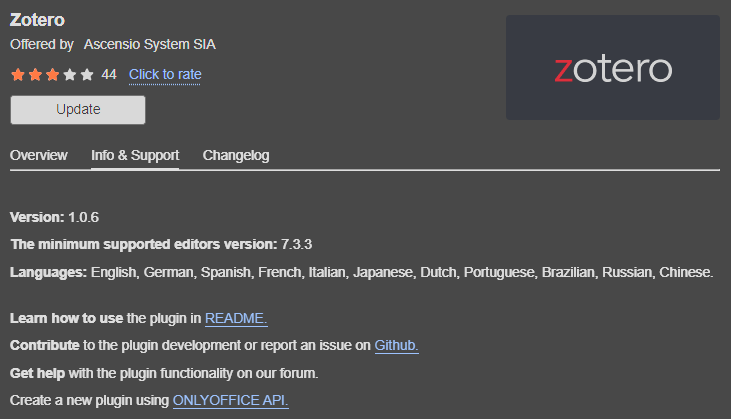
Please specify version of Zotero plugin that is being used currently.
Hello Constantine. I was using the 1.0.6. I tried to find the next version but inside plugin manager there is no option to update…even online I could not find.